
Clipboard JSON formatter
Pretty-print copied JSON without leaving Chrome.
Copy an API response, debug log, or escaped JSON payload, then press pp. RawLens opens a local formatted view and stores the inspection in local History.
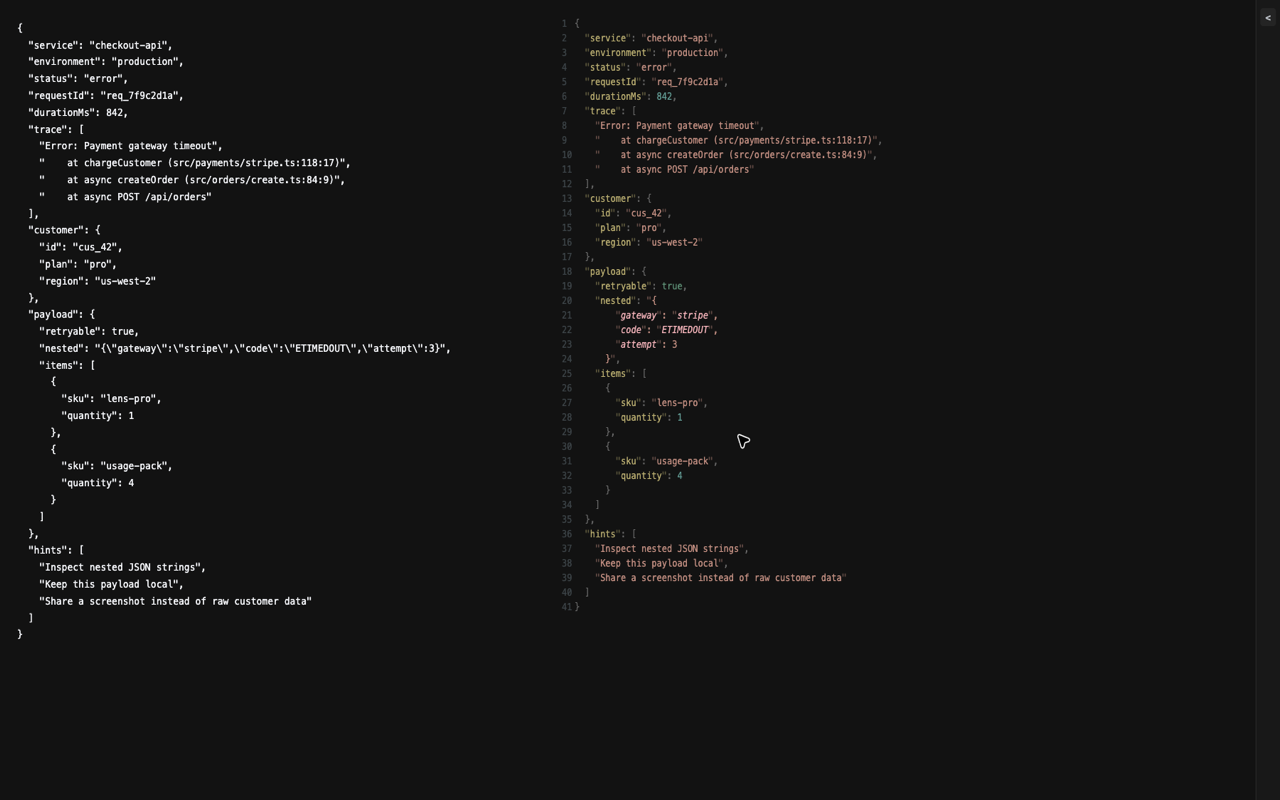
A safer flow for copied production output.
Clipboard formatting is useful when the source is a terminal, issue tracker, chat thread, dashboard, or internal tool. RawLens runs locally in the browser, so copied logs do not need to be pasted into a third-party formatter.
ppPretty-print JSON from the clipboard
vvPretty-print selected text or the hovered element
xxRender ANSI text content with terminal colors