Selected text
Highlight the exact payload and press vv.
 RawLens
Selection and element JSON formatter
Select a messy payload, or hover the DOM element that contains it, then press vv. RawLens opens a readable local view without changing page order or uploading content.
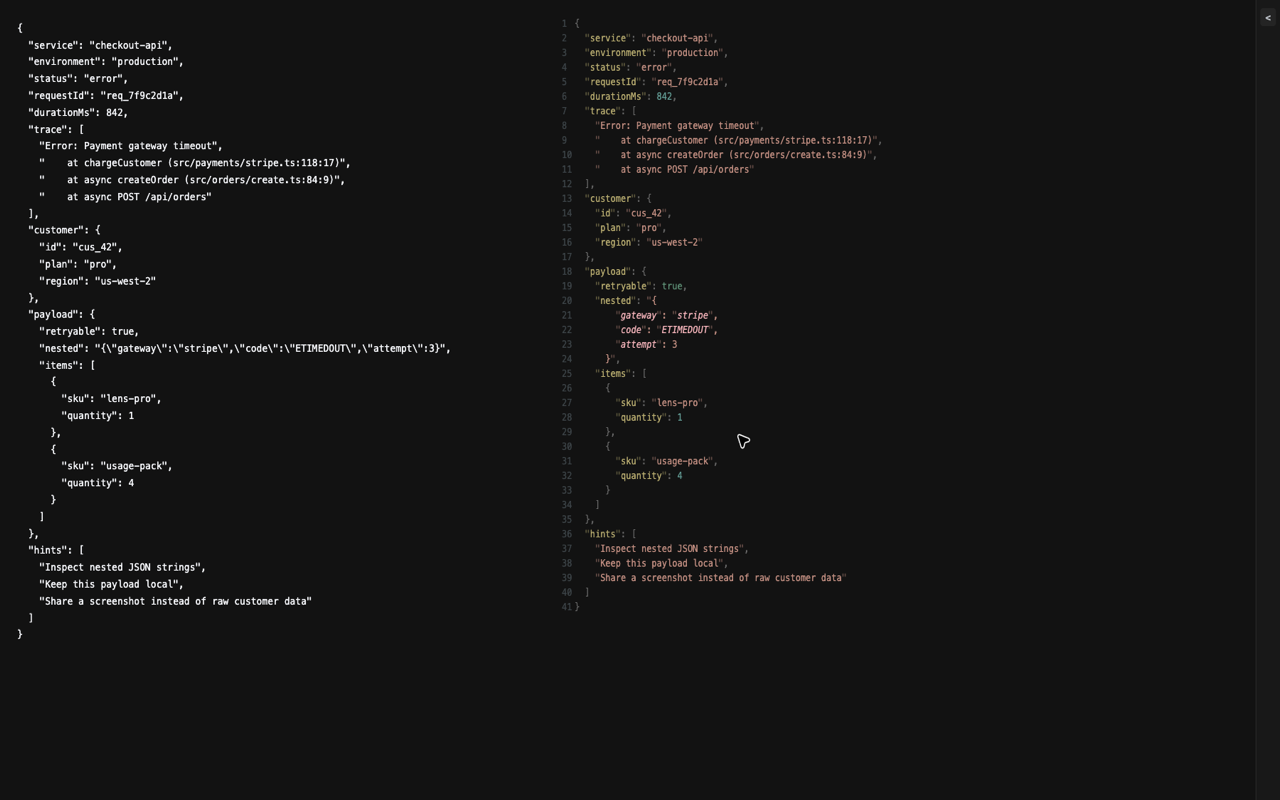
Debug payloads often sit inside docs, admin pages, dashboards, incident notes, or copied issue comments. RawLens reads the selected text first; if there is no selection, it uses the hovered page element. That keeps the formatting target precise.
Highlight the exact payload and press vv.
Move your pointer over the element and press vv.
Recent views stay in the History panel for quick reopening.